
Troubleshooting -WPS-

 (Alarm Lamp) Is Lit
 Wireless connect lamp is flashing and Wireless select lamp is lit
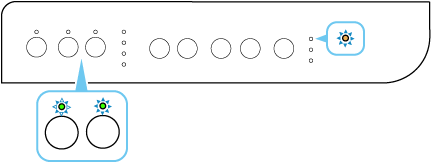
Wireless connect lamp flashes twice and Wireless select lamp is lit
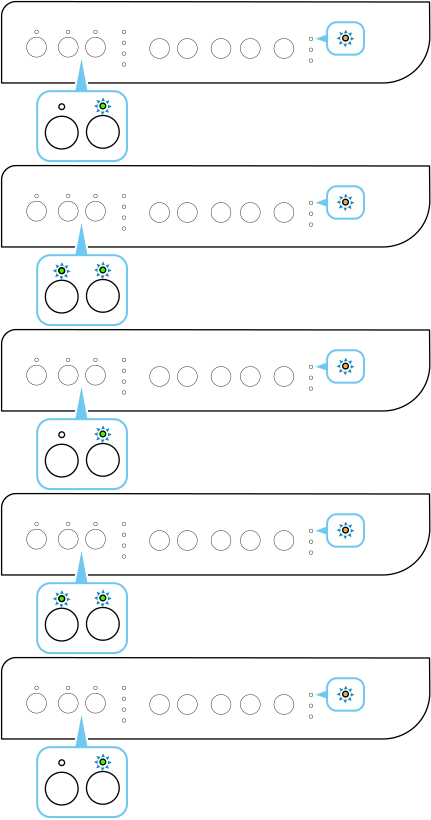

-
Check 1 Wait for about five minutes, and then press the Black or Color button to reset the error. After that, return to the previous page, and then redo the WPS connection.
-
Check 2 Print out the network setting information. If the network name (SSID) of wireless router with the computer/smartphone connected and the network name (SSID) of printer does not match, connect the computer/smartphone to the same network name as the printer. After that, return to the previous page to connect with WPS again.
-
Check 3 Restart the printer, and then redo the connection.
-
Check 4 Check the wireless router's settings.
- The printer does not support WEP, WPA-PSK (TKIP) and WPA2-PSK (TKIP). The security protocol such as WPA2-PSK (AES) or WPA3-SAE (AES) is recommended to be set to wireless router for security reasons. However, WPA3 cannot be connected if WPS is used.
- Normally, a mobile wireless router has the privacy separator turned on. Set it to off.
- If you change the wireless router's settings, redo setup.
